Supporting Education. Empowering Lives.
Registration is now open for parents and guardians! First classes begin the week of December 7, 2026.

One Program. One Standard. Real Teachers. Live Classes. Every Time.

Live English & Spanish Classes for Students Ages 4–17. 100% FREE | Live Online | Real Teachers

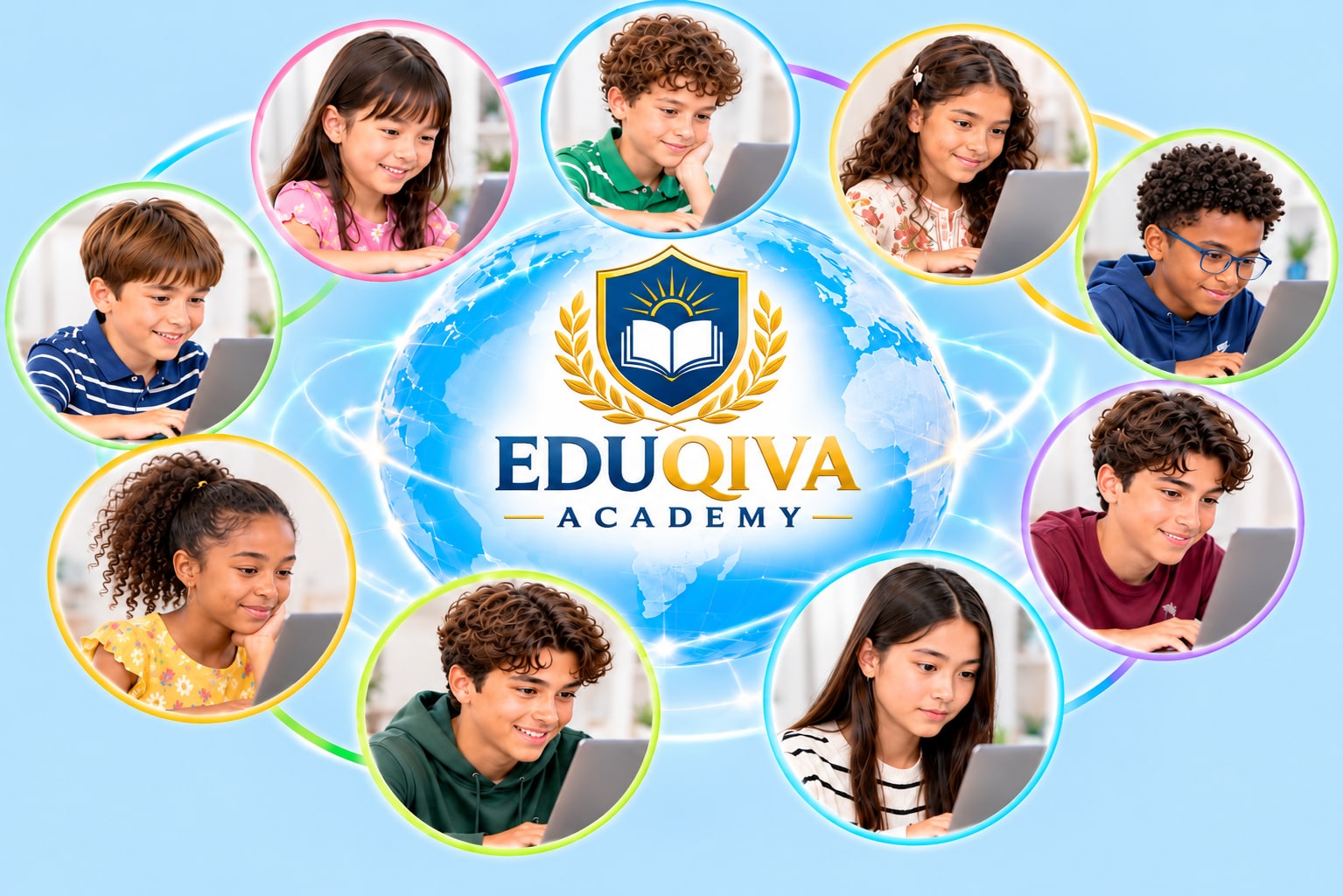
Students of different ages learning on laptops and tablets around a globe with the EDUQIVA Academy crest

Check Out Our Live Class Schedules and Find a Class for Your Student.

View Live Class Schedules

2026–2027

EDUQIVA 2026–2027 Class Schedule

12-Month Class Schedule Overview

View available classes for students ages 4–17, including subjects, age groups, class dates, and schedules.

All classes are 100% free, taught live by real teachers, and funded by business sponsors.

Students and parents do not select or need to find sponsors.

Subjects: English and Spanish, live online, December 2026 to February 2027.

Class Groups and Class Dates
GroupSubjectClass DatesTimeInstructorStudents
Group 1English
(holiday — no class)
Mondays, 5:00–6:00 PM PT
8:00–9:00 PM COT
Mauricio B.30
Spanish
(holiday — no class)
Tuesdays, 5:00–6:00 PM PT
8:00–9:00 PM COT
Carolina B.
Group 2English

Mondays, 5:00–6:00 PM PT
8:00–9:00 PM COT
Mauricio B.30
Spanish

Tuesdays, 5:00–6:00 PM PT
8:00–9:00 PM COT
Carolina B.
Group 3English

Mondays, 5:00–6:00 PM PT
8:00–9:00 PM COT
Mauricio B.30
Spanish

Tuesdays, 5:00–6:00 PM PT
8:00–9:00 PM COT
Carolina B.
Group 4English (holiday — no class)

Mondays, 5:00–6:00 PM PT
8:00–9:00 PM COT
Mauricio B.30
Spanish (holiday — no class)

Tuesdays, 5:00–6:00 PM PT
8:00–9:00 PM COT
Carolina B.
Group 5EnglishDates to be announcedTo be announcedMauricio B.30
SpanishDates to be announcedTo be announcedCarolina B.
Group 6EnglishDates to be announcedTo be announcedMauricio B.30
SpanishDates to be announcedTo be announcedCarolina B.

Total: 6 Groups · 180 Students

Ages 4–17
English & Spanish Classes | Starting the Week of December 7, 2026

Practical, conversational English and Spanish classes for students ages 4–17, designed to develop communication skills for school, friendships, and everyday life.

All classes are taught live by experienced teachers in small groups, giving every student the opportunity to participate, practice, and build confidence.

Real Teachers. Real Learning. 100% Free Education.

100% FREE for Students Ages 4–17.

Parents or legal guardians submit enrollment applications on behalf of their students and maintain full control of their accounts.

Interactive Small Groups4 Classes Per Month48 Classes Per YearAges 4–17Live, Teacher-Led InstructionNo Tuition or Registration Fees


More Free Classes Coming in 2027!

EDUQIVA is expanding its educational programs to inspire creativity, build confidence, and prepare students for the future. Upcoming free live classes:

Public Speaking
Entrepreneurship
Financial Literacy
Coding & Technology
Art & Drawing
Music
Yoga & Fitness
Career Development
Personal Development

Real Teachers. Real Learning. Always 100% Free. New programs and class schedules will be announced throughout 2027.

Parents and Guardians

Apply for Your Student

A parent or guardian creates the account in the EDUQIVA app, and it stays theirs. You add your student from it, and you can remove them the same way.

The steps below take you from registration to your student's first live class, in this order. The identity check is done by a specialist provider, takes a couple of minutes, and your personal information is handled securely to protect your privacy.

Your family's privacy and your student's personal information are protected throughout the process. EDUQIVA is committed to safeguarding students' privacy and providing a safe learning environment for students aged 4 to 17.

Create Your Account

  1. 1

    Create Your Account

    A parent or legal guardian, age 18 or older, registers with their own name, date of birth, and email address.

  2. 2

    Confirm Your Email Address

    Open the confirmation email we send you and click the link inside.

  3. 3

    Verify Your Identity

    You verify your own identity, so we know an adult is behind the account. A specialist provider does this in a couple of minutes.

  4. 4

    Set Up Two-Step Sign-In

    Add an authenticator app to your account. Every account needs one, and it keeps your family's account secure.

  5. 5

    Add Your Student

    Add your student, ages 4 to 17, from your account.

  6. 6

    Sign the Parent/Guardian Consent

    Read and sign the Parent/Guardian Consent for your student on the page that opens next.

  7. 7

    Choose a Class

    Choose a class and reserve your student's spot. Enrollment is confirmed instantly, on a first-come, first-served basis.

  8. 8

    Download Microsoft Teams

    Once your EDUQIVA Academy account is created, download Microsoft Teams to prepare for your live classes.

  9. 9

    Join Your Live Class

    When it's time for class, click the meeting link sent to your registered email and sign in to Microsoft Teams or join as a guest.

  10. 10

    Enjoy Your Learning Experience

    Get ready to enjoy an interactive, engaging, and enriching live learning experience with our qualified teachers!

View Live Class Schedules

Already registered? Sign In.